
Show the crew what needs fixing
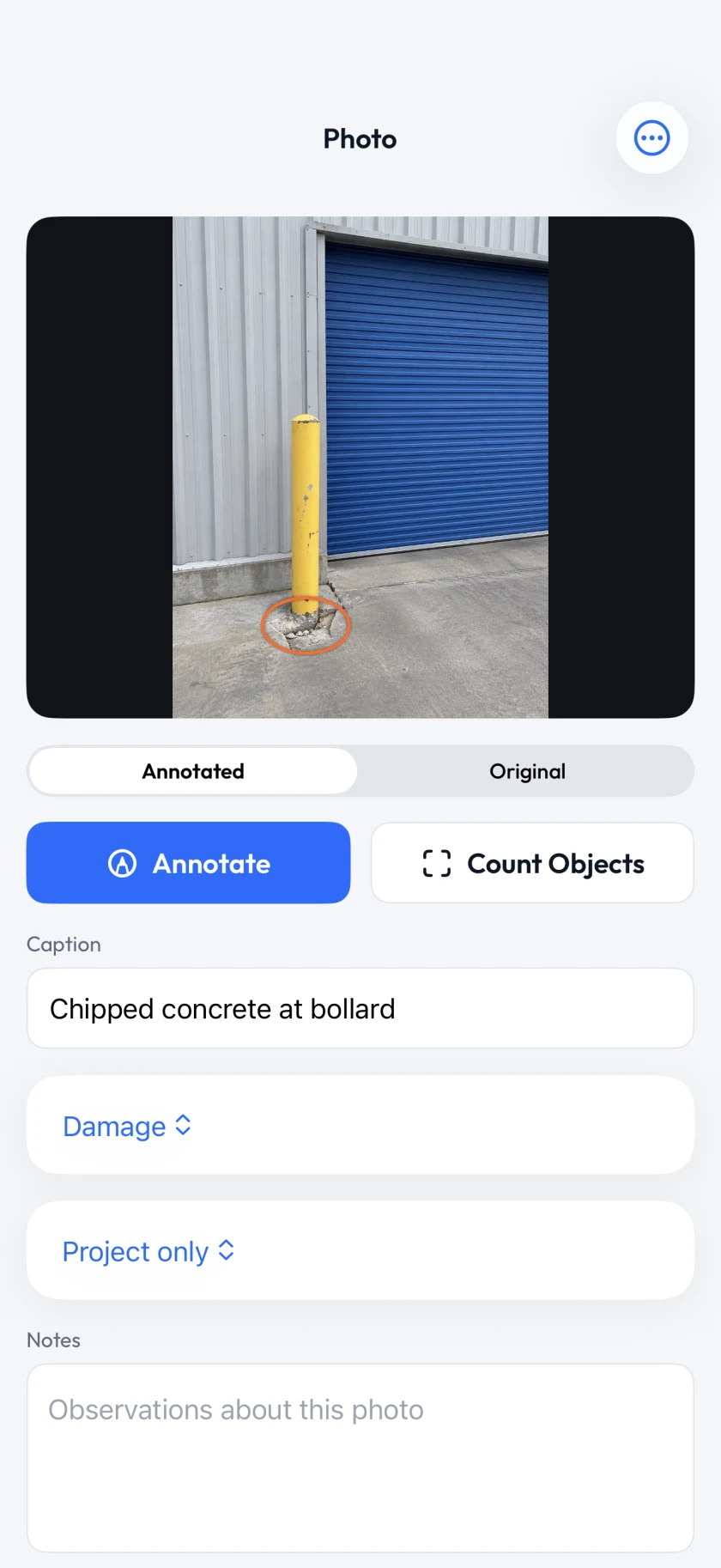
During a punch-list walk, mark the issue directly on a photo and keep it with the inspection. The crew can see which spot you mean.
 InspectTrail
Field work on iPhone & iPad
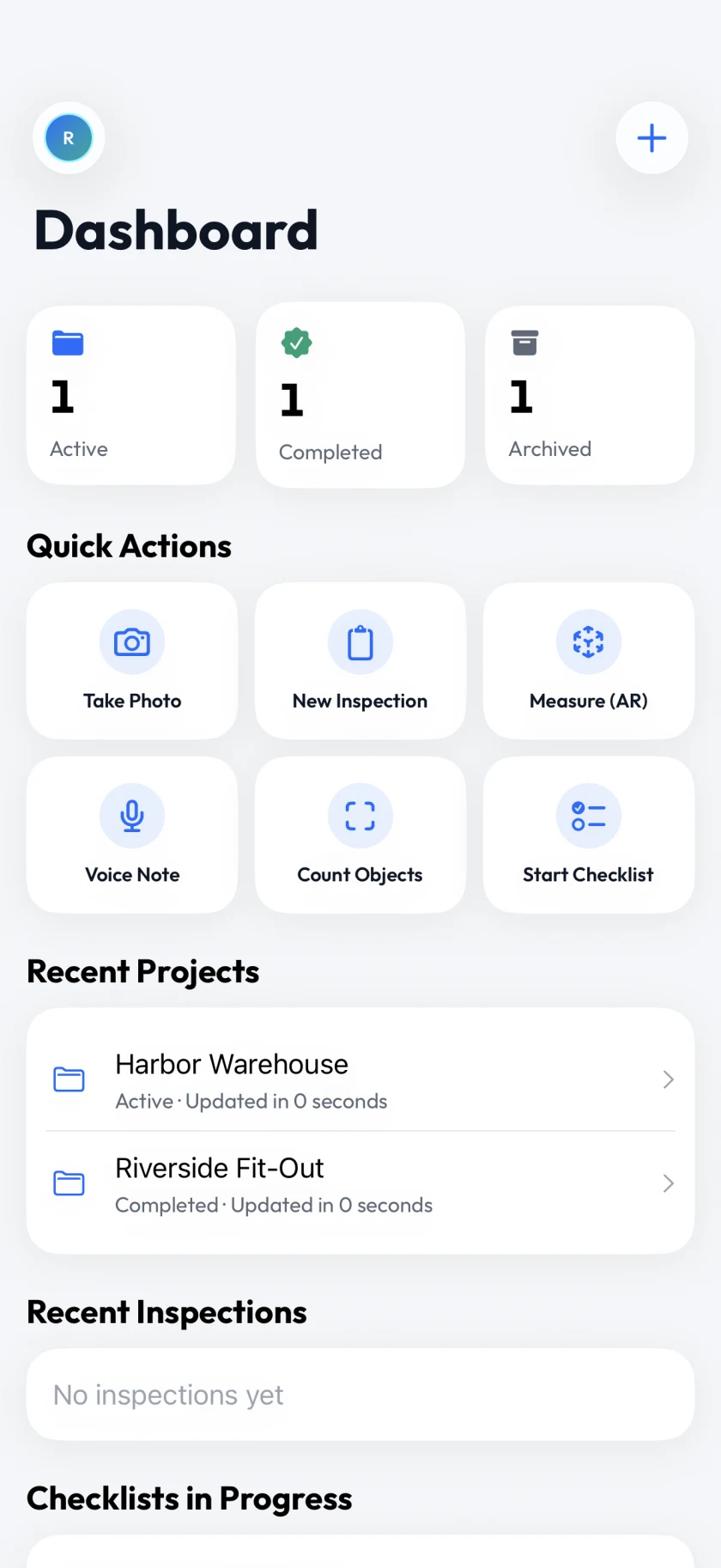
Keep photos, measurements, and checklists together by project. Then send a report that shows what you found on site.
During a punch-list walk, mark the issue directly on a photo and keep it with the inspection. The crew can see which spot you mean.
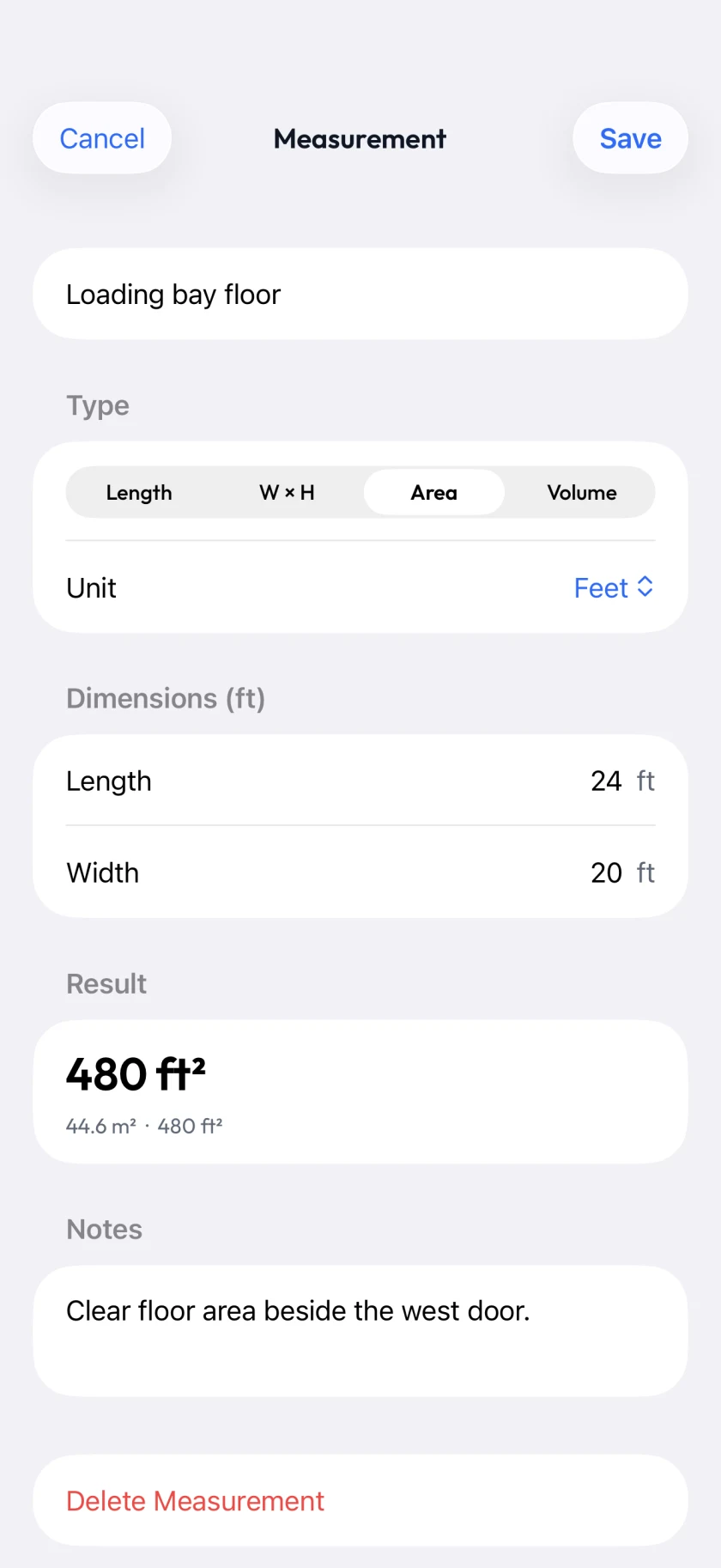
Save dimensions and notes under the job while you’re there. When you return, open the project to see what you recorded.
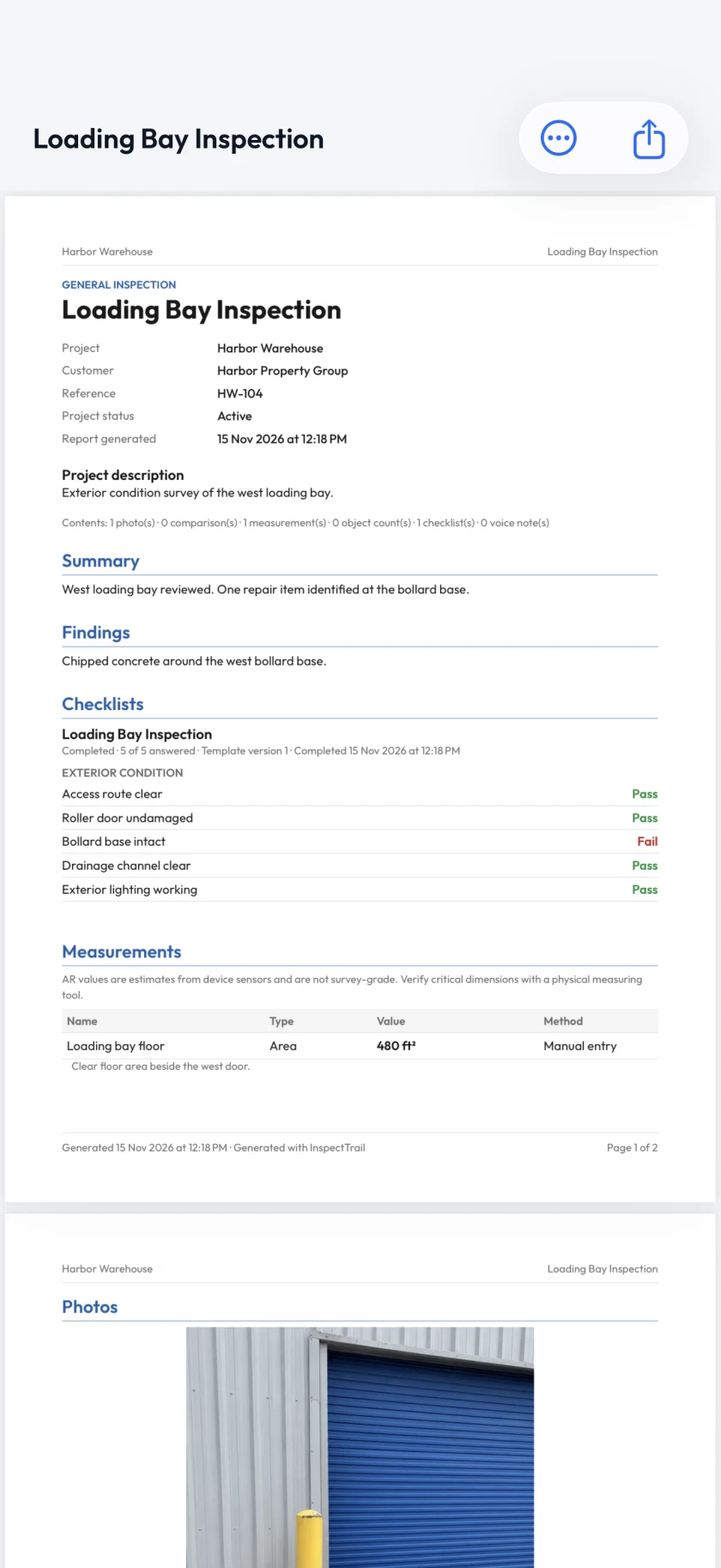
Turn the visit’s photos, checklist results, and measurements into a report without having to piece them together back at your desk.
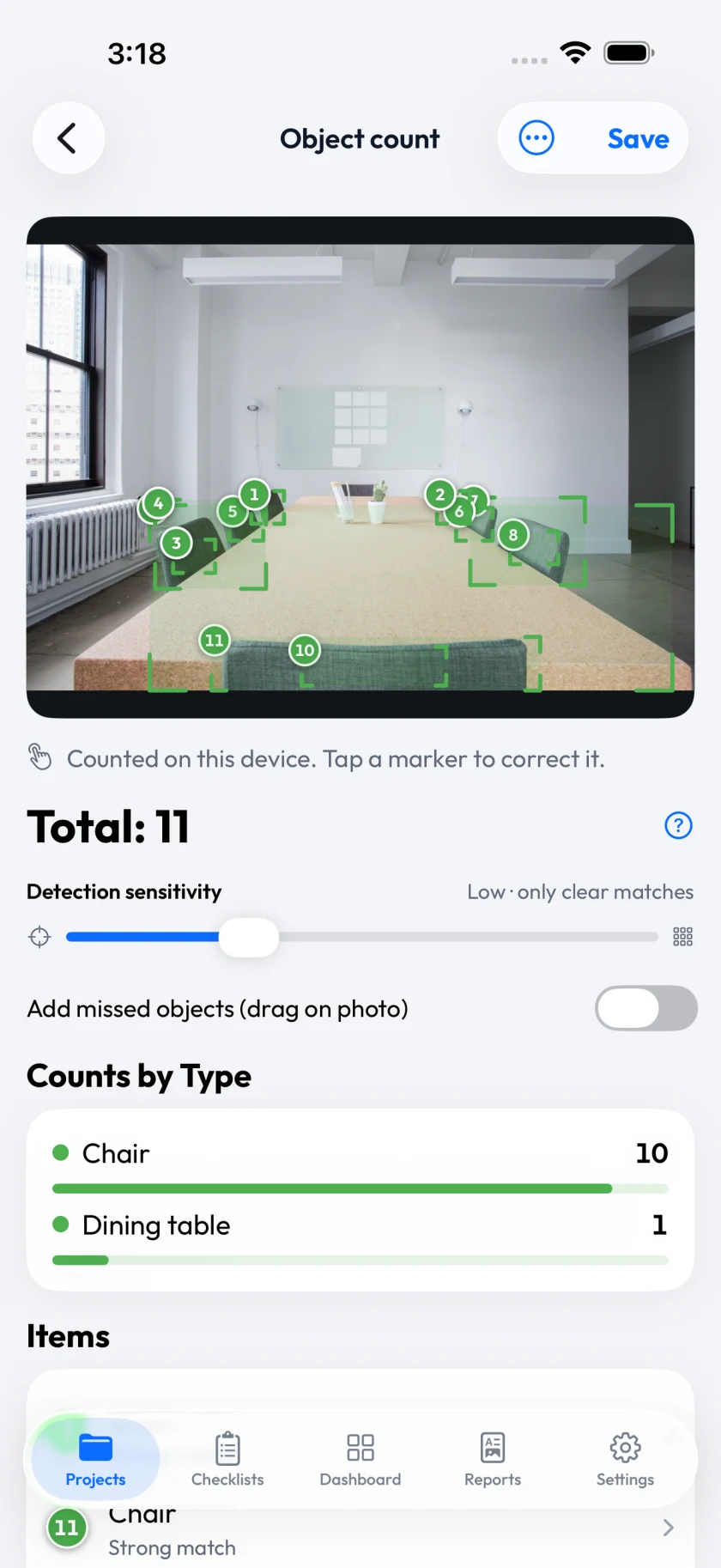
Take a photo or pick one from the project to flag and count objects in supported categories. Check the suggested matches before saving the tally.
Detection runs on your device.
Point your camera at the space, place points on the surface, and save the estimate with the job.
Available on supported devices. AR readings are estimates.
Point out what needs attention with arrows and notes, or show the change with a before-and-after comparison.
Preview the PDF before sending it to a client or attaching it to the job record. See the report templates.
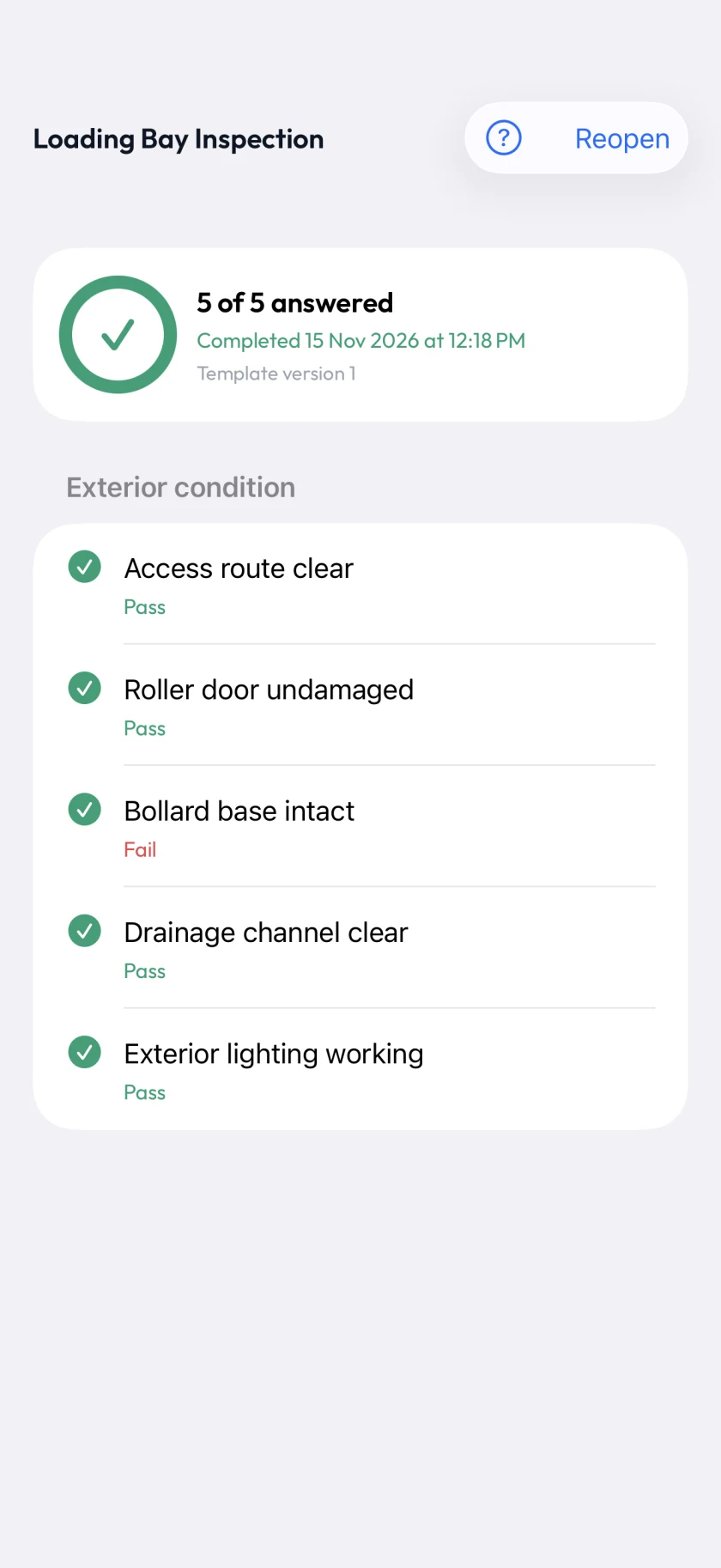
Reuse inspection templates and keep each completed checklist tied to the version you used.
PDF report templates
Choose a report type and a visual layout, then select what goes into the PDF. Add your own findings and include the photos, measurements, checklists, or object counts that matter to the job.
Record voice notes, count objects in photos, and build PDF reports on your device. Optional private iCloud sync is available with InspectTrail Pro.
For iPhone and iPad.